
from pdf to planner. without the drama.
Everything you need to print BUSEE at home: files, paper, printer settings, cutting and punching.
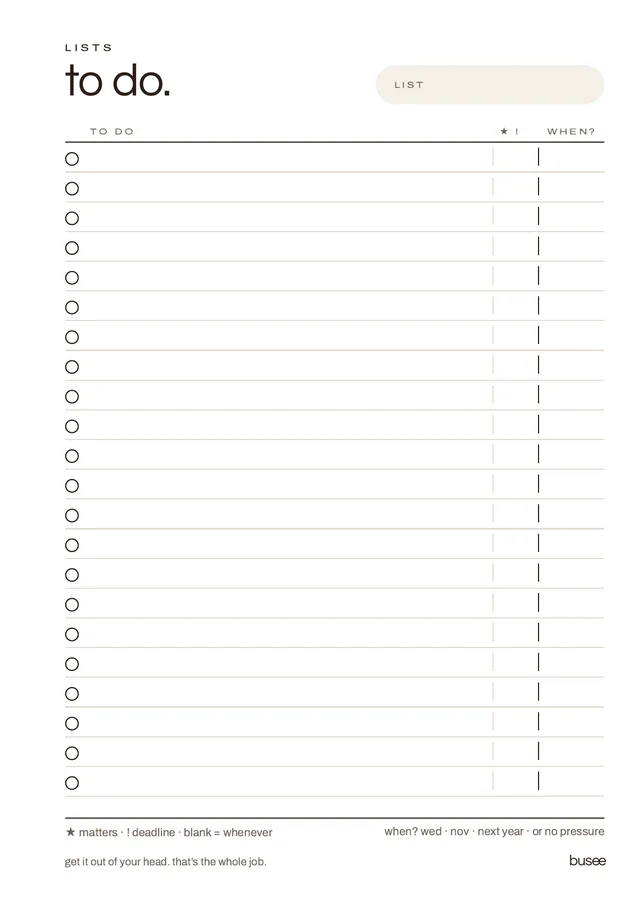
two files for every insert size.
- finished size
- Every page at its true size, one page per sheet. For printers that take small or custom paper.
- a4 print
- The same pages placed on A4 with crop marks. Print on ordinary A4, then cut. Not sure? Use this one.
- a4 desk
- BUSEE A4 is a single A4 file — every page is a full sheet. Nothing to cut.
- colours
- Each file holds espresso, then blush, then burgundy. Print one colour by typing its page range in your print dialog — the ranges are listed in the Print + Fit guide in your download.
100 gsm uncoated.
The sweet spot for double-sided writing pages in a ring organiser.
- lighter · 90 gsmKeeps a slim organiser light. Slightly more show-through.
- everyday · 100 gsmWrites beautifully on both sides.
- heavier · 120 gsmBest for covers, dividers and pages you handle often.
- avoidThin 70–80 gsm office paper for double-sided pages, and glossy or coated paper for everyday writing.
actual size. always.
“Fit to page” shrinks everything and the pages no longer match your rings.
- adobe acrobatFile → Print → Page Sizing & Handling: Actual Size. Enable two-sided printing if needed.
- mac previewFile → Print → Scale 100%. Don’t select Scale to Fit. For double-sided, enable Two-Sided.
- windows / edgePrint → Scale 100% or Actual size. Enable print on both sides if supported.
- double-sidedA4-Print (landscape sheets): flip on the short edge. Finished-size and A4 desk pages: flip on the long edge. Always start on an odd page.
your organiser decides the punch.
Cut on the crop marks with a craft knife and ruler, or a paper trimmer. Then punch — an adjustable planner punch is worth it.
- a5
- 6-hole · 19–19–70–19–19 mm
- personal · personal wide
- 6-hole · 19–19–51–19–19 mm
- a6
- 6-hole · 19–19–38–19–19 mm
- 6-hole · 19–19–19–19–19 mm
- a4 desk
- 2-hole (80 mm) or 4-hole (80–80–80 mm)
- exceptions
- Agende (4 rings), LUCRIN, Franklin, Kokuyo and MUJI use a different punch — copy the holes from an original insert. See the A5 page.
one test page can save an entire reprint.
- printone page at 100% / Actual Size.
- cuton the crop marks.
- punchand put it in your organiser.
- checkit fits inside the covers, the holes line up, nothing is cut off. Then print the rest.
if something’s off.
My pages print too small.
You probably used Fit to Page. Reprint at 100% / Actual Size.
The page doesn’t match the crop marks.
Scaling was applied. Reprint at 100% / Actual Size on the paper size that matches the file.
The holes are too close to the text.
Check you printed the file for your size, your punch setting and orientation, and that no scaling was applied.
I can see the back of the page through the paper.
Try 100 gsm paper, lower ink density, greyscale for everyday pages, or 120 gsm for heavier layouts.
Long edge or short edge?
A4-Print files (pages side by side on a landscape sheet): flip on the short edge. Finished-size files and A4 desk pages (one portrait page per sheet): flip on the long edge.